
Common Rendering Mistakes and How to Avoid Them


Introduction to Rendering Mistakes
Rendering is a crucial step in the digital content creation process, but even seasoned professionals can make errors that affect the final product. These mistakes can result in wasted time, increased costs, and a less-than-ideal outcome. Understanding common rendering mistakes and how to avoid them is essential for achieving high-quality results.

Incorrect Lighting
One of the most prevalent rendering mistakes is incorrect lighting. Proper lighting is essential for setting the mood and enhancing the visual appeal of the scene. However, it's easy to either under-light or over-light a composition, leading to unrealistic results.
To avoid this, always test different lighting setups and use reference images to match the desired look. Employing a mix of ambient, spot, and directional lights can help create a balanced and realistic environment.
Overlooking Material Properties
Another common mistake is neglecting the material properties of objects. Materials such as glass, metal, and fabric have unique characteristics that need to be accurately represented. Failing to do so can result in an unnatural appearance.
Pay attention to the shader settings and ensure the material reflects, refracts, and absorbs light appropriately. Using high-quality texture maps can significantly enhance the realism of your render.
Resolution and Aspect Ratio Errors
Choosing the wrong resolution or aspect ratio can lead to distorted images and inconsistent quality across different platforms. It's crucial to set the correct parameters before starting the rendering process.
Always confirm the specifications required for the final output, whether it's for web, print, or video. This will ensure that your render maintains its intended quality across all mediums.
Ignoring Render Settings
Render settings play a vital role in determining the quality and speed of the rendering process. Neglecting these settings can lead to long render times and subpar results.
Familiarize yourself with the render engine you're using, and adjust settings such as anti-aliasing, global illumination, and sampling rates to optimize both performance and quality.
Post-Processing Missteps
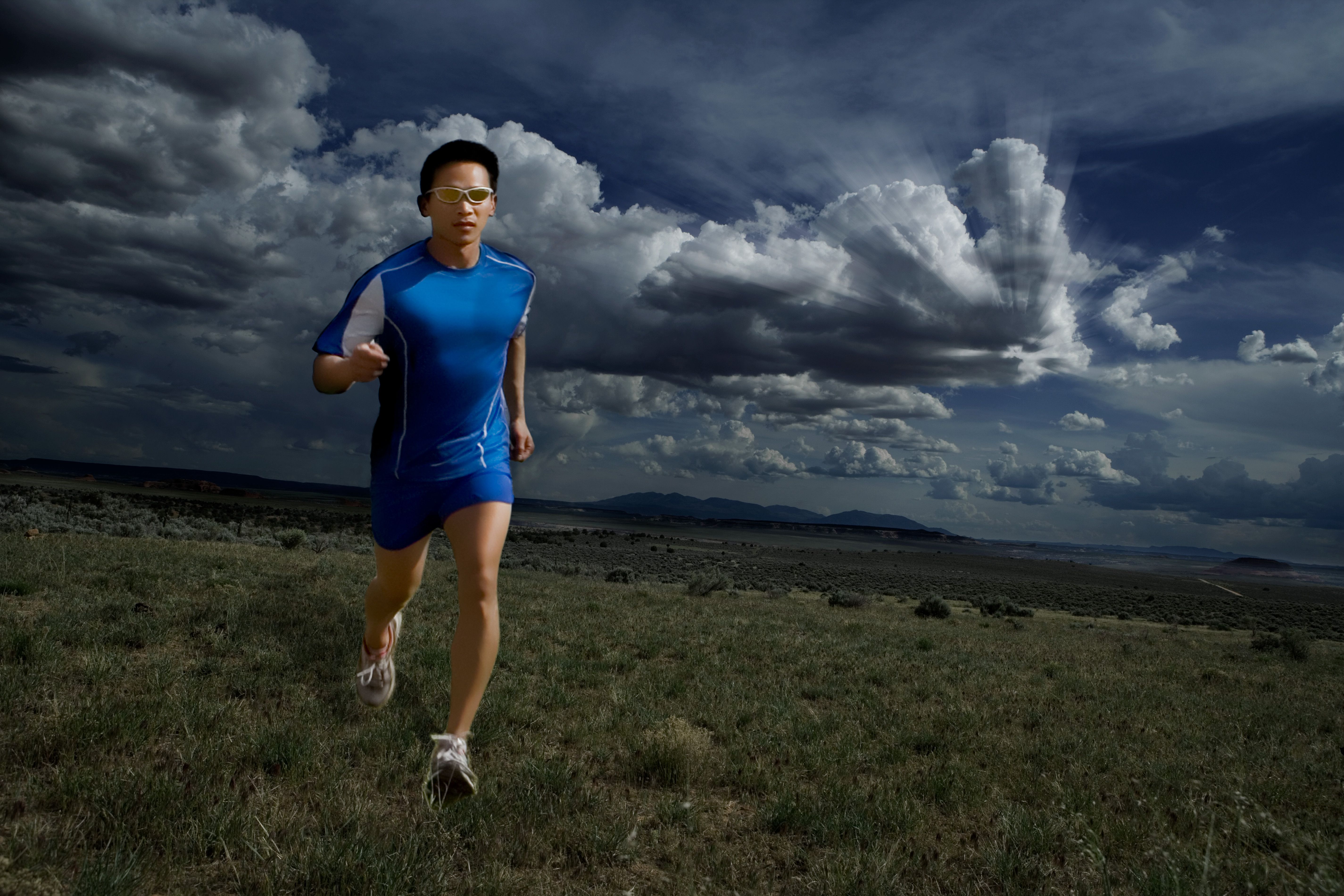
Post-processing is an essential step that enhances the final render, but it's easy to overdo it. Overuse of effects like bloom, blur, or color correction can detract from the image's natural look.
Use post-processing tools sparingly and aim for subtle enhancements that complement the original render. Always compare the processed image with the raw render to ensure you're enhancing rather than overpowering the scene.
Conclusion and Best Practices
Avoiding common rendering mistakes requires a blend of technical knowledge and artistic sensibility. By paying attention to lighting, material properties, resolution, and post-processing, you can create renders that are both realistic and visually appealing.
Regular practice and continuous learning are key to mastering the art of rendering. Stay updated with the latest tools and techniques to keep your skills sharp and your renders top-notch.